Composition Overlays for Tethered Capture.
Take your food photos to the next level with composition overlays for tethered capture.
My eBook Rule-of-Thirds: A Guide to Composition for Food Photographyfirst brought you the concept of composition templates. The inspiration for the 42 food photography templates came from my own client storyboards and pre-visualization sketchbook.
Now the templates are available as overlays you can import into Lightroom and Capture One Pro while shooting tethered to easily compose beautiful food images with maximum impact.
Whether used as creative prompts, or a map to guide you in placing your compositional elements within the frame, composition overlays help you to take your food photography to the next level.
Do you ...
Understand the principles of composition but have trouble putting them into practice?
Never know how many props to use or where you should place them on set?
Feel frustrated because you have an image of you want to look in your head but can't seem to reproduce it with your camera?
Try to get creative with your compositions but feel everything you do looks same-same?
Need to find some inspiration but don't want to copy other photographer's photos?
Feel stuck in a rut with your food photography?
Imagine if you could ...
Immediately see a big improvement in the aesthetic of your food photography
Compose your scenes with confidence, in half the time it usually takes you
Improve your tethered workflow for greater efficiency
Have fun and be in a creative flow on every shoot instead of stressing abut where to put everything
Attract your dream clients with stunning food photos
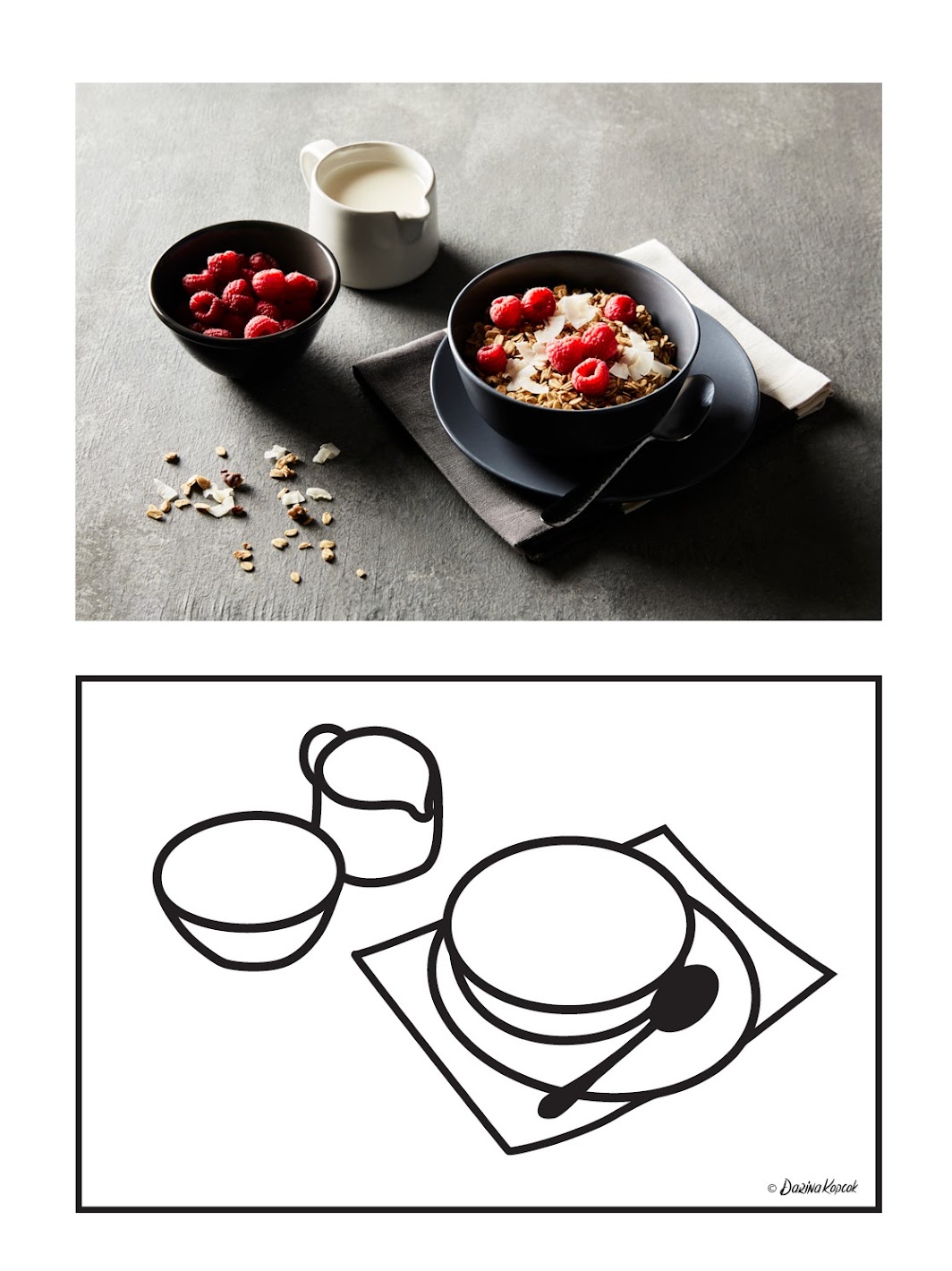
What if....
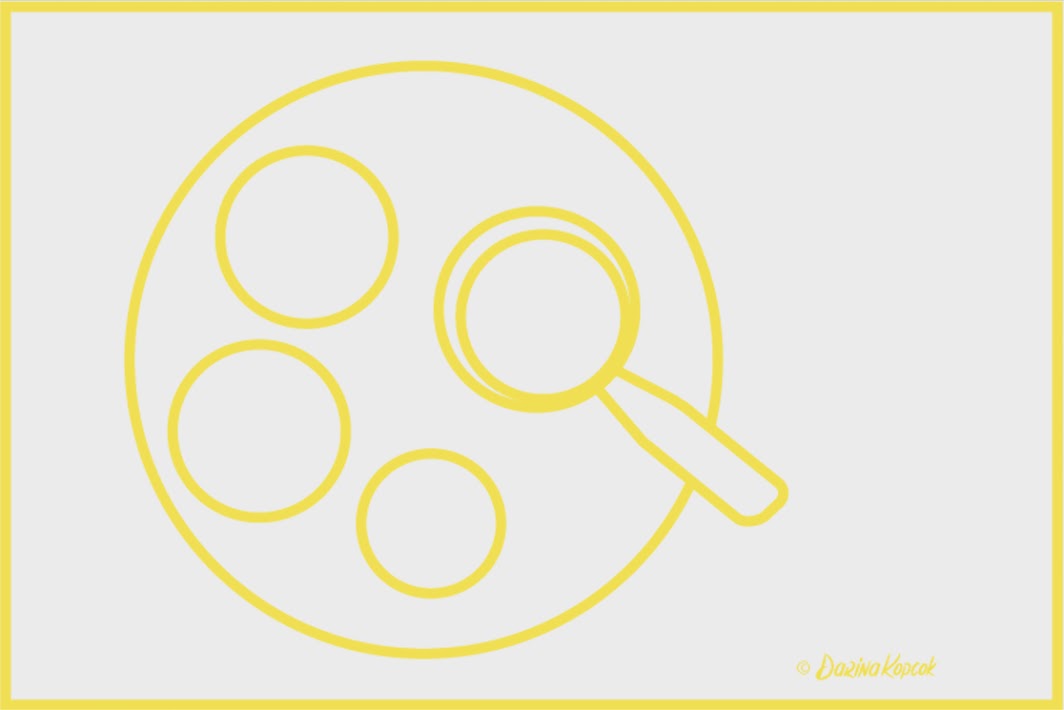
This...
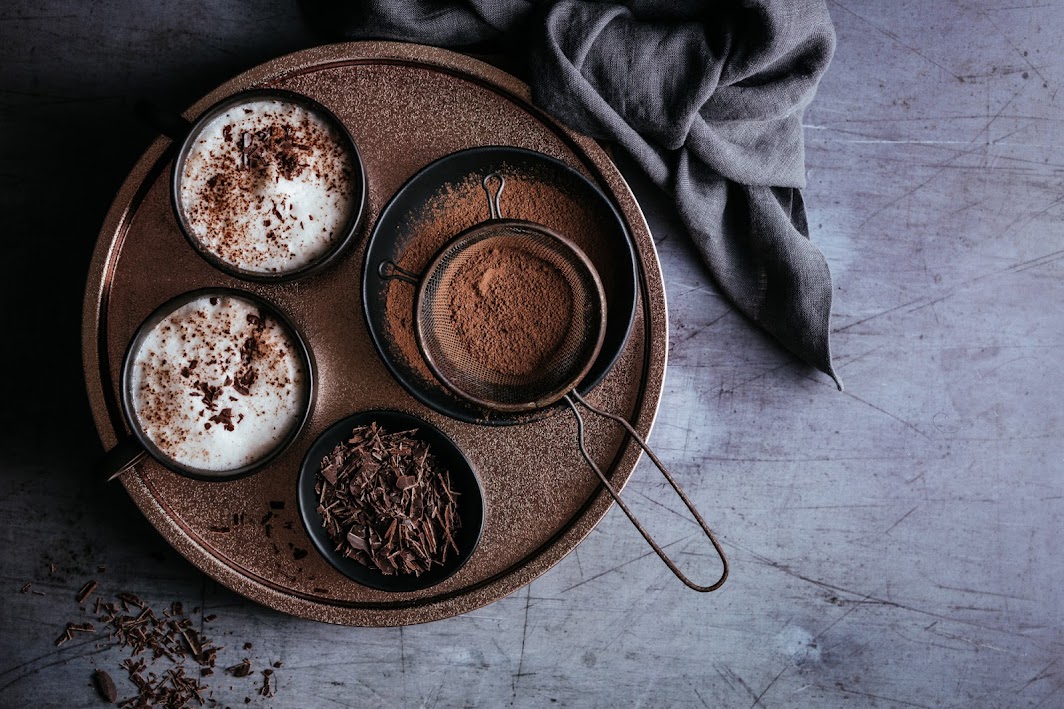
could give you this?
What Can You Achieve With These Composition Overlays?
Whether you're a beginner or a more advanced food shooter, chances are that you sometimes struggle with composition.
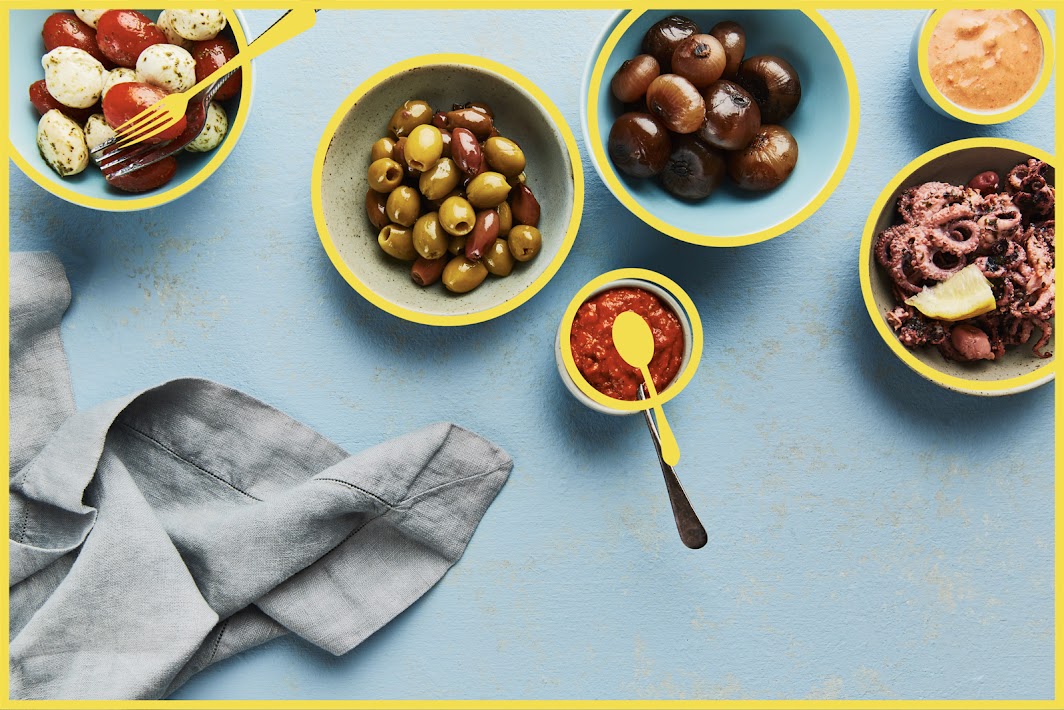
These composition overlays are transparent PNG files that can be used in Live View in Capture One Pro. Compose your images in real time without having to second guess where to place your various compositional elements.
They can also be used with Tethered Capture in Lightroom as composition and cropping guides. Roughly set up your props according to the overlay, take a shot, tweak the placement and take another shot. With the overlays as a guide, you'll instantly be able to take food photos that follow the principles of good composition without having to second guess where to put all the elements of your food story.
Features
PNG file transparent composition overlays in 3:2 and 5:4 aspect ratios
Use while shooting tethered using Live View in Capture One Pro to compose your image in real time
Can be used with any RAW editor that accepts PNG files
Use as Loupe Overlays in Lightroom to help you compose images that follow the rules of good composition
Comes with my BONUS eGuide: Getting Started with Shooting Tethered for Food Photography
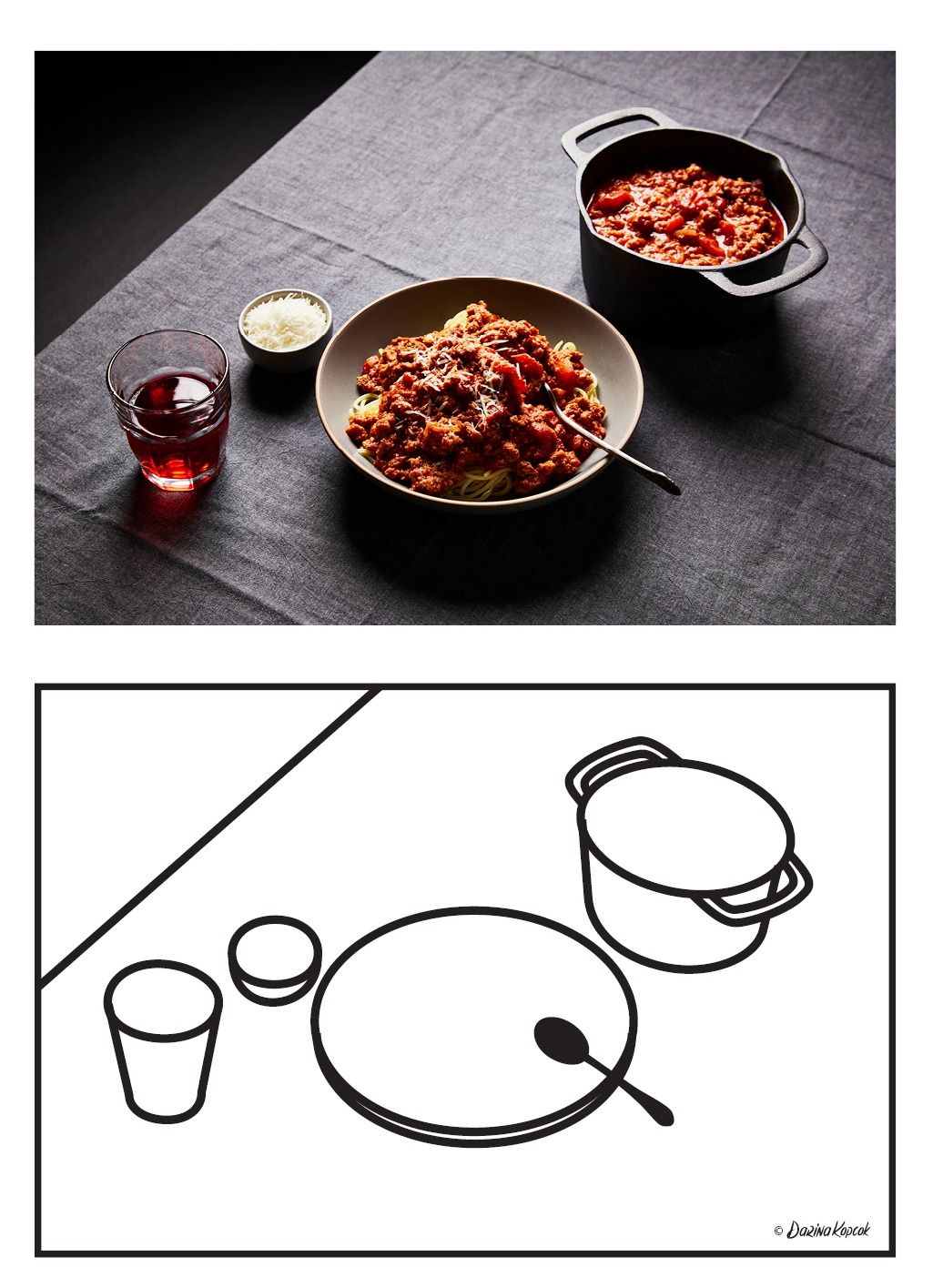
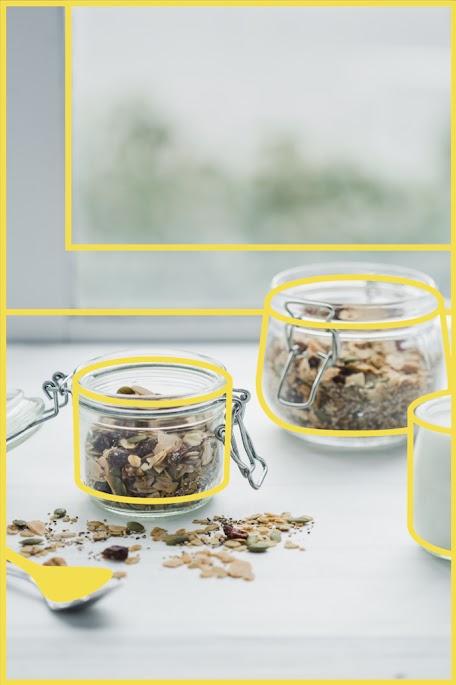
Are you frustrated by your styling? Don't know where to place your props in your scene? Maybe you understand the principle behind the Golden Ratio but still have a hard time visualizing where to place the various compositional elements of the food story you're trying to tell. If composition is something that still doesn't come that intuitively to you, these template overlays will not only serve as a guide but also speed up that creative process.
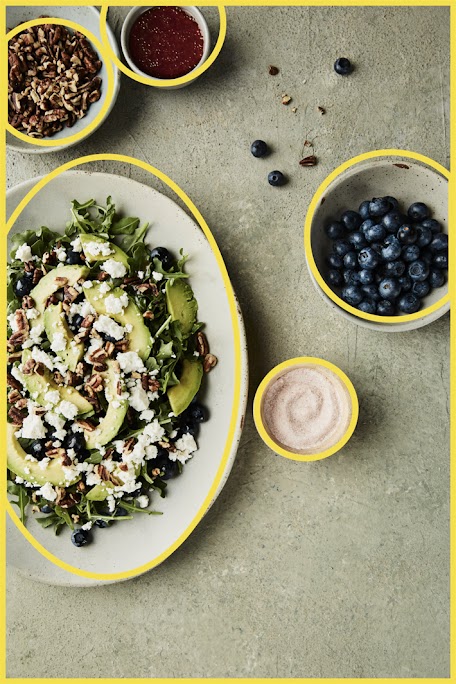
How would it feel if the next time you shoot you were able to take better shots than you ever did before? What if you could get repeatable results instead a perfect yet accidental shot that you couldn't get reproduce again? What if you started gaining more followers on Instagram, or attracted potential clients because your food photography looked so stunning?
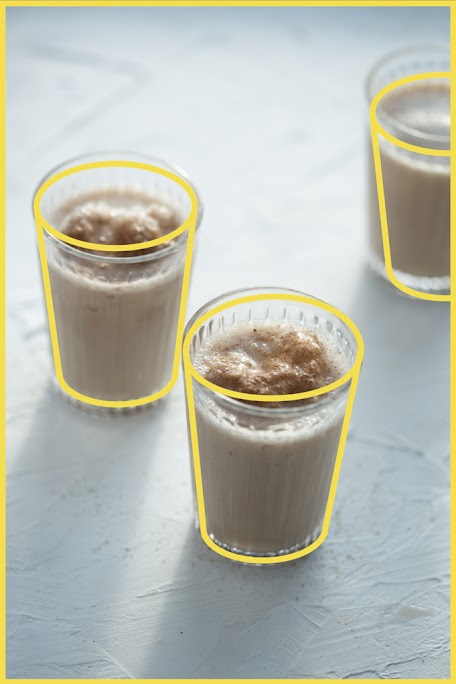
Whether you're a food blogger or photographer who is just starting out or an experienced pro who feels stuck in rut when coming up with new ways to frame your visual story, these composition overlay templates will give you endless inspiration for your food photography.
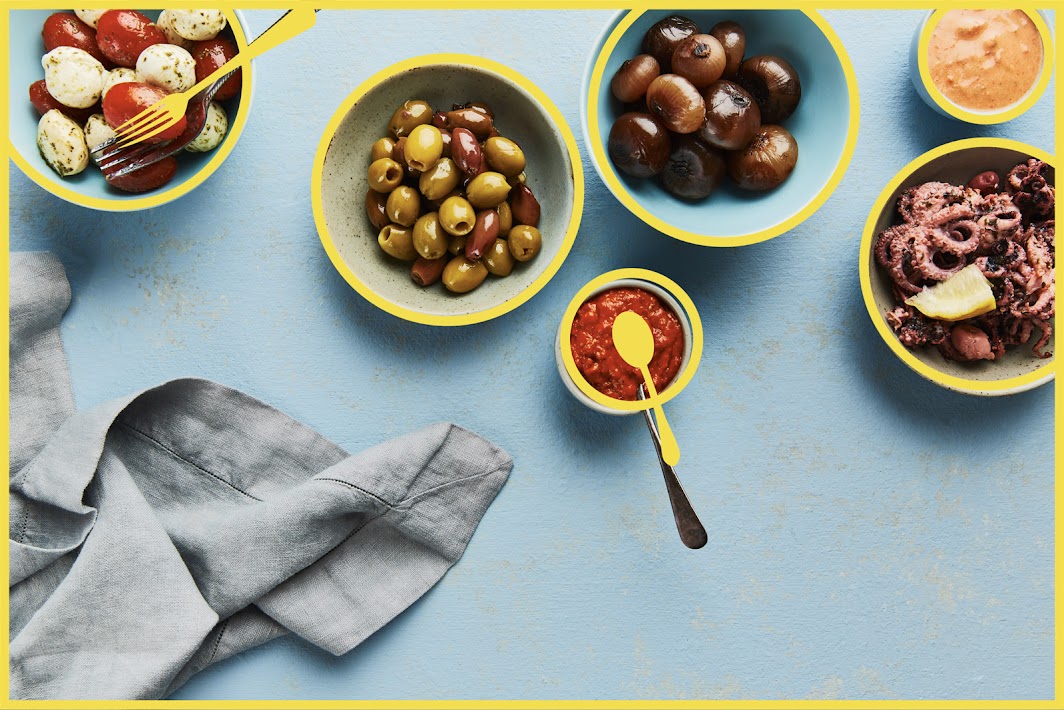
Live View Tethering
Use with Live View in Capture One Pro, in Lightroom with the ON1 plug-in, or any RAW editor that accepts PNG files.
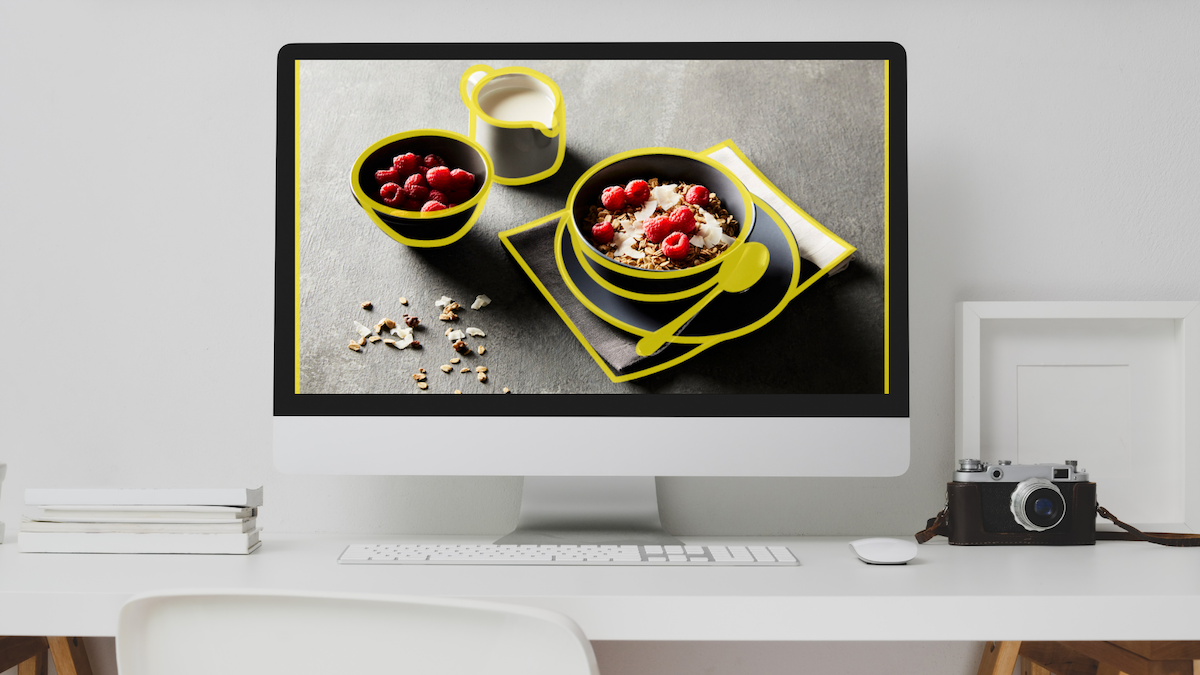
Powerful Composition
Speed up your shooting workflow. Choose from a variety of overlay designs, ranging from minimalist compositions to more complex tablescapes.
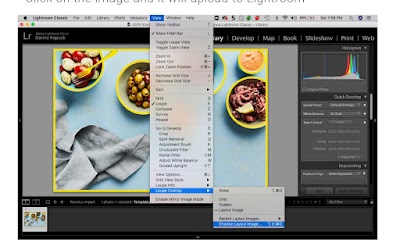
Controlled Cropping
The overlays come in the two most popular aspect ratios; 3:2 and 5:4, which gives you the proper cropping for Instagram.
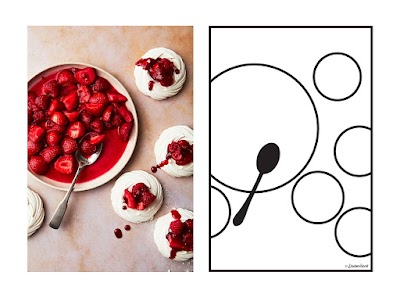
Creative Inspiration
Each overlay is simple enough to give you an endless variety of compositions, while taking the guesswork out of placing your props.
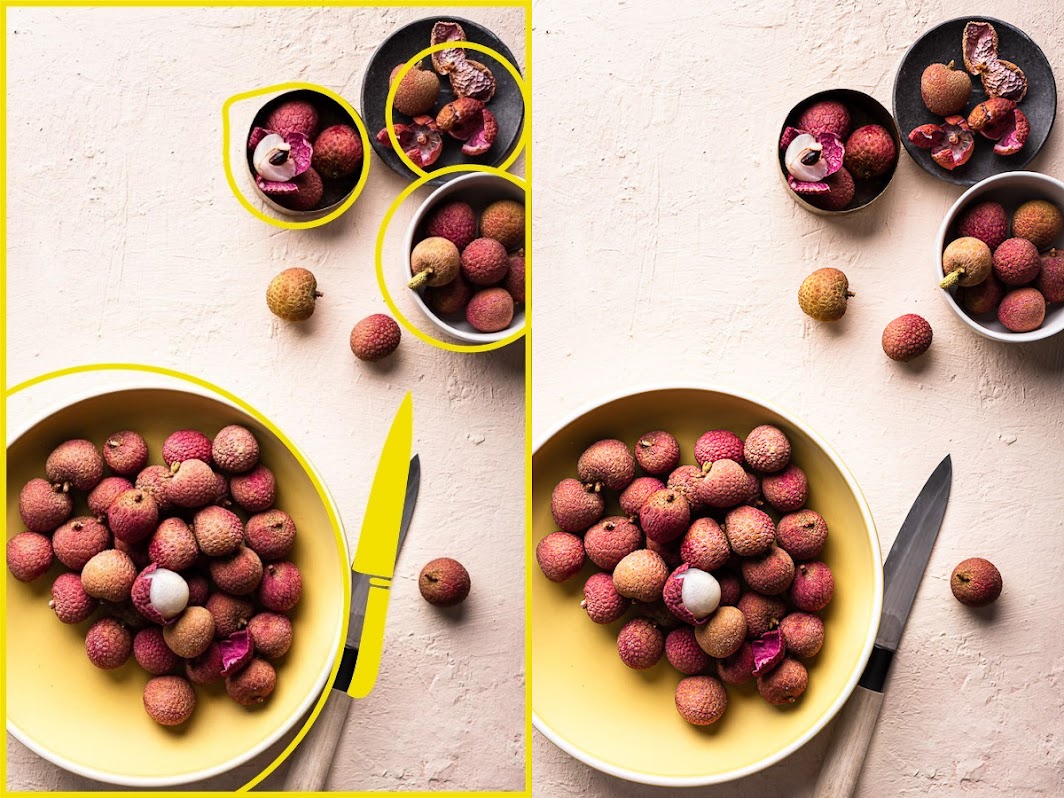
Gayle used an Overlay to create this stunning image of lychee fruit.
“These composition overlays are genius! Adding them to my workflow allows me to quickly and confidently compose a beautiful scene in half the time.” Gayle, Gayle McLeod Food + Photography
Choose your
Composition Overlays Package
84
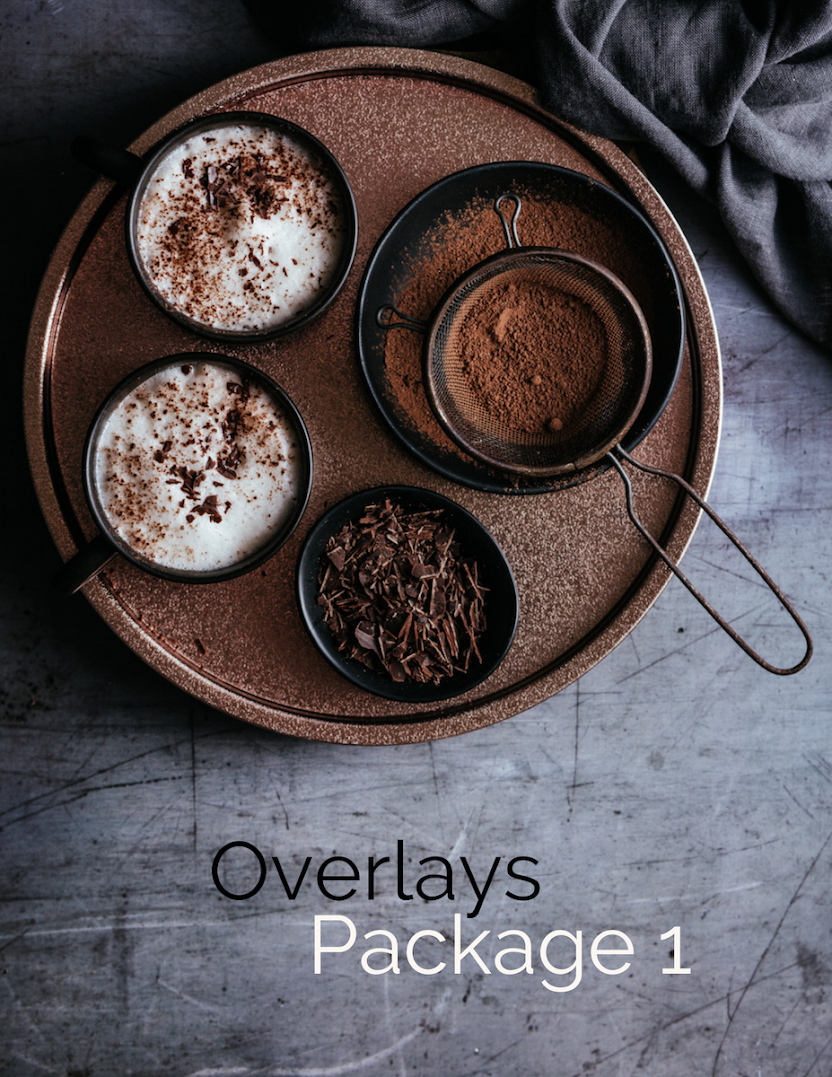
The original set of overlays based on the templates in my eBook Rule-of-Thirds.
This package features 42 designs in two different aspect ratios. Here you'll find templates for a variety of camera angles and types of food and drink, from main meals to desserts. Comes with a user guide and video to walk you through how to use the overlays in Lightroom and Capture One.
You also get my PDF tethering guide for FREE with your purchase.
$32
30
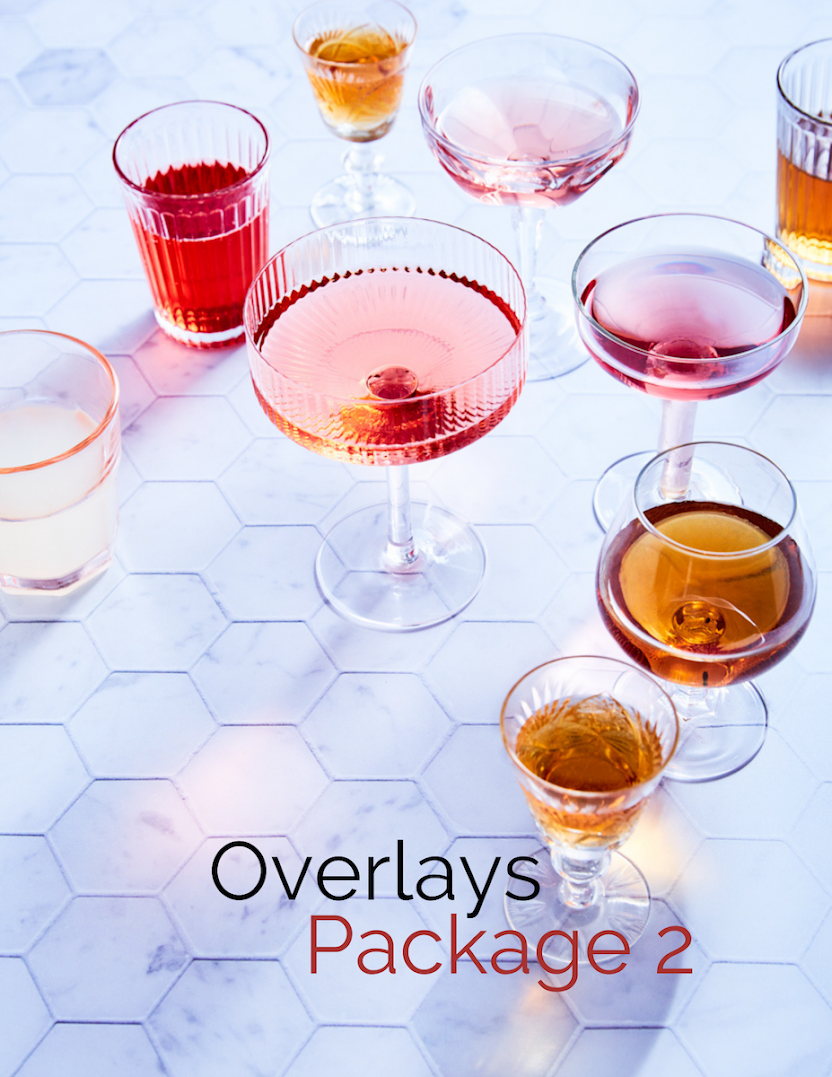
Created for students of my Capture One Deep Dive masterclass and now available to purchase solo for the first time, this pack features 10 designs in 2 different aspect ratios. You'll receive an instructional video and user guide with suggestions for each template, as well as a FREE eBook on how to use tethered capture.
$16
20
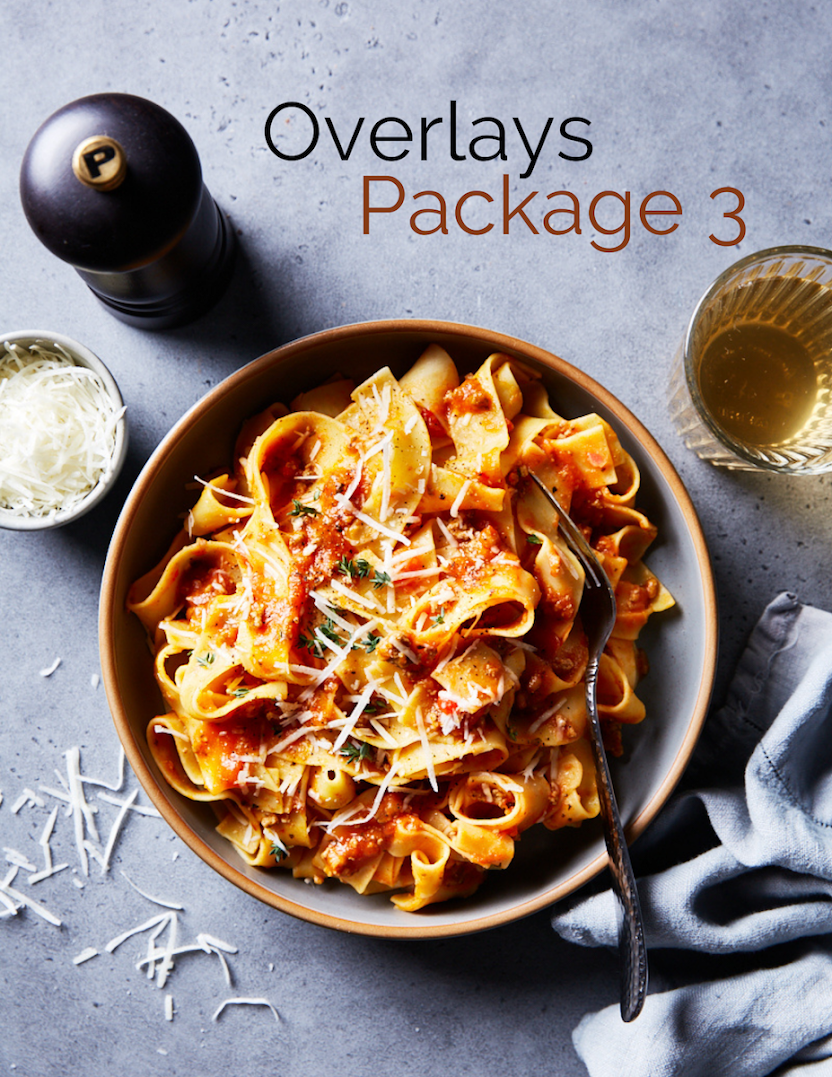
A new set of overlays featuring 10 designs in two different aspect ratios. As always, you'll receive a user guide with suggestions on how to create a variety of compositions from each overlay. Video instructions will show you how to use them in Lightroom and Capture One. My PDF eBook Getting Started with Shooting Tethered for Food Photography is also included as a BONUS.
$12
OR...get all the overlays in one package
with the Power Bundle.
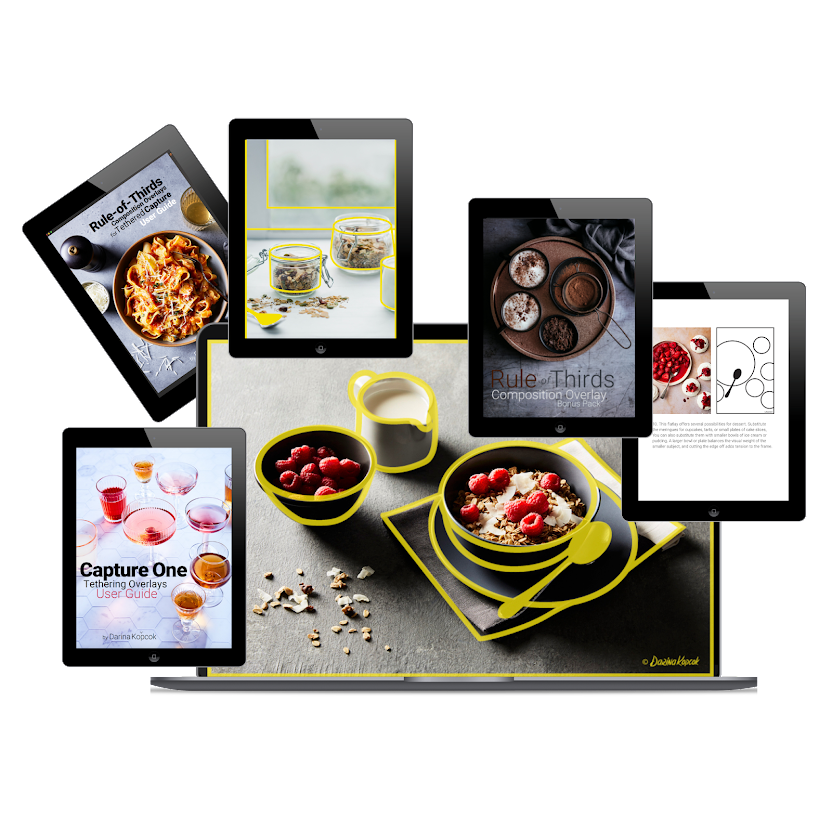
The Power Bundle
134 Composition Overlays Only $69 USD
If you've never used overlays before but just know that these are going to completely revolutionize the way you shoot, you may want to get The Power Bundle.
Get all three overlay packs for a special low price of $69 USD.
FAQs
What tethering programs can I use with the overlays?
There are more than fifty software programs that allow you to use tethered capture. You need to look at each program individually to ensure they are compatible with PNG files.
What is the best program to use with the overlays?
Capture One is the perfect all in-one-solution for tethered capture, as it allows you to use overlays with Live View and completely control the camera from within the software interface for a speedy workflow. However, Lightroom is a very popular program and work great, too.
Can I use these overlays with Live View?
You can use the overlays with any Live View software that accepts PNG files.
How can I use the overlays with Lightroom?
The overlays will give you a transparent file to work with in Lightroom. Roughly place your props on set, take a shot, and then tweak the elements of your scene according to where they fall on the template overlay. Following the templates as a guide while shooting will automatically ensure that your scene follows the principles of good photography composition. You can use the overlays with Live View if your camera is supported.
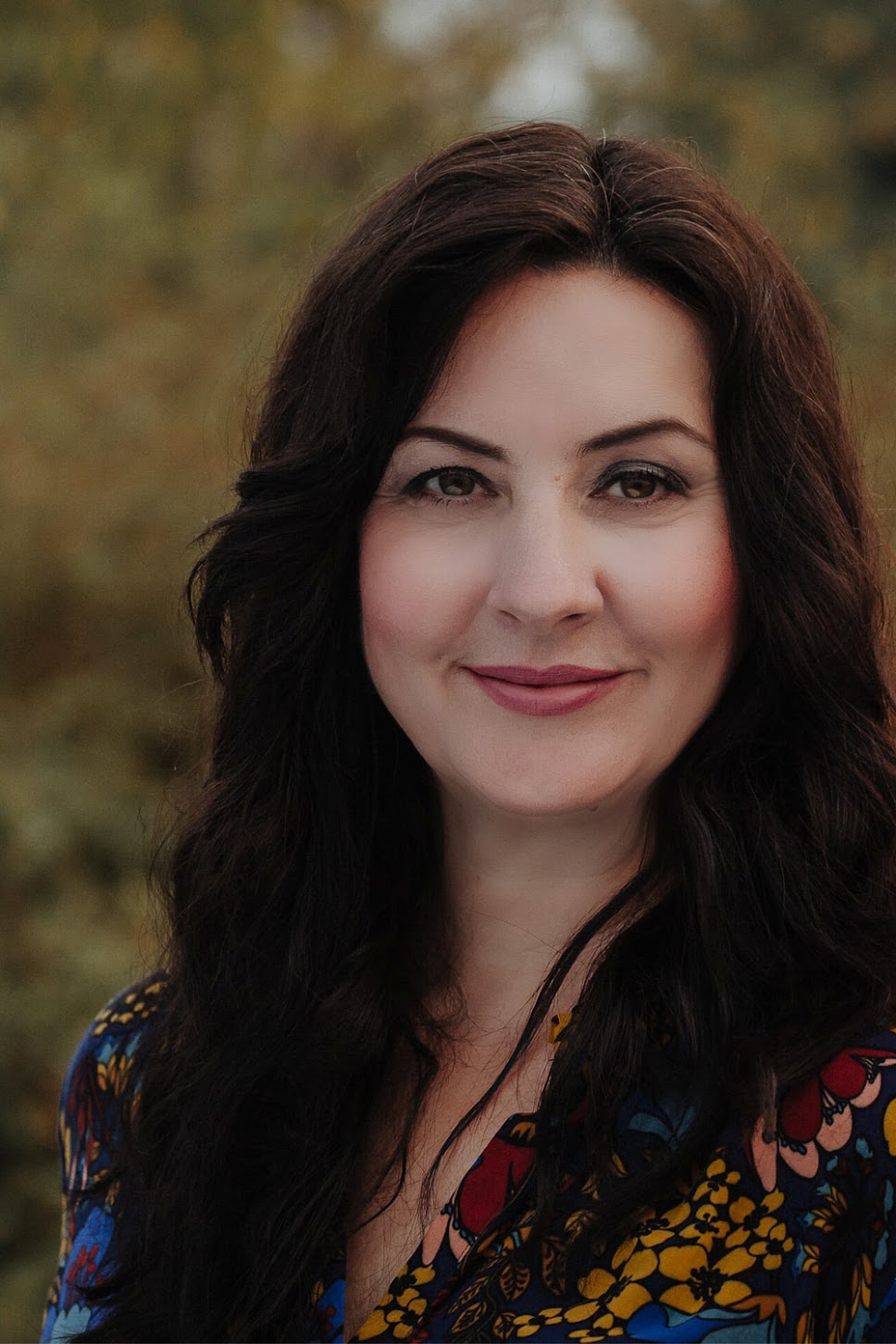
Meet the creator.
Hi, I'm Darina! I'm a commercial food photographer and educator. I help food photographers and bloggers with technical and creative resources to help them elevate their images.
I've been a food photographer for over a decade but before that I was a serial career switcher. Now I run my own food photography business, teach at one of the top food photography schools in the world, and help food photographers take better photos through my ebooks and one-to-one coaching.


©2023 Darina Kopcok. All rights reserved. Privacy Policy